



In today’s job market, a strong professional profile is key to getting your dream job. Many job seekers find it hard to catch the eye of hiring managers. But it all begins with a solid job application.
A well-written resume is your pass to an interview. It’s not just about listing your work and skills. It’s about showing your achievements and how you can help the company.
I’ve been in the job market, and I know a great resume can change everything. By using the right techniques, you can stand out and get an interview.
Key Takeaways
- Craft a professional profile that highlights your achievements.
- Tailor your job application to the specific job you’re applying for.
- Use the right resume techniques to get noticed by hiring managers.
- Showcase your skills and experience in a clear and concise manner.
- Use action verbs to describe your achievements.
Understanding the Importance of a Strong Resume
Having a strong CV is key for making a good first impression on employers. In today’s job market, a well-made resume can open doors to new opportunities.
Why First Impressions Matter
Your resume is often the first thing employers see. A well-written CV shows you’re professional and detail-oriented. It sets the tone for the hiring process.
It’s not just about listing your jobs. It’s about showing your skills and experiences in a way that impresses the hiring manager.
The Role of a Resume in Job Searching
A resume is a vital part of the job search. It’s like a marketing tool that shows off your strengths and achievements. It’s your chance to share your professional story and show why you’re the right fit for the job.
By making your CV match the job you’re applying for, you can stand out. This increases your chances of getting an interview.
Key Components of an Effective Resume
To catch the eye of employers, knowing what makes a resume stand out is key. A well-made resume can help you shine in a busy job market.
Contact Information
Your contact details are the first thing employers look at. Make sure your name, email, phone number, and LinkedIn (if you have one) are easy to find and current.
Tip: Choose a professional email with your name to make a strong first impression.
Summary Statement
A summary statement gives a quick look at your experience, skills, and achievements. It should make the reader want to learn more.
- Customize your summary for each job you apply to.
- Focus on your biggest wins.
- Keep it short, ideally 2-3 sentences.
Skills Section
This section lists your skills that match the job you’re applying for. You can include technical, soft, or language skills.
| Skill Type | Examples | Relevance |
|---|---|---|
| Technical Skills | Programming languages (Python, Java), software proficiency (Adobe Creative Suite) | Essential for tech and creative roles |
| Soft Skills | Communication, teamwork, leadership | Crucial for most industries, showing your teamwork skills |
| Language Proficiency | Fluency in multiple languages | Good for global companies or roles needing international communication |
Work Experience
Your work history is vital. It shows your past roles, duties, and accomplishments. When listing your experience:
- Begin with your most recent job.
- Include the company name, job title, and employment dates.
- Use action verbs to describe your duties and achievements.
By focusing on these key areas, you can make a resume that clearly shows your value. This boosts your chances of getting an interview.
Tailoring Your Resume for Each Job Application
To stand out in a competitive job market, tailoring your resume for each job is key. It’s not just about changing a few words. It’s about showing your skills and experiences in a way that fits the job perfectly.
Researching the Job Description
The first step is to deeply research the job description. Read it carefully to find out what skills and experiences are needed.
- Note the specific skills and qualifications required.
- Understand the job’s core responsibilities and how they align with your experience.
- Look for keywords and phrases that are repeated or emphasized in the job posting.
Using Relevant Keywords
After finding out what the job needs, add relevant keywords to your resume. This helps you pass through applicant tracking systems (ATS) and catch the eye of hiring managers.
Tips for using keywords effectively:
- Use the exact keywords from the job posting where applicable.
- Integrate keywords naturally into your resume, focusing on your summary and skills section.
- Avoid overusing keywords; the content should read naturally.
Customizing Your Summary
Your summary statement is often the first thing hiring managers read. It’s a key section to customize for each job application. Tailor it to show how your skills and experiences fit the job.

Customizing your summary can greatly improve your chances of getting noticed. Make sure it clearly shows your value and how you fit the job.
Types of Resumes and When to Use Them
There are many types of resumes, each with its own strengths. Choosing the right one can help you stand out and get more interviews.
Chronological Resume
A chronological resume lists your work in reverse order, starting with the latest job. It’s best for those with a strong work history and career growth.
Key features of a chronological resume include:
- A clear and concise work history section
- Emphasis on career progression and continuity
- Suitable for those with significant work experience
Functional Resume
A functional resume highlights your skills and qualifications, not your work history. It’s great for those with gaps in their employment or changing careers.
Key features of a functional resume include:
- Emphasis on skills and qualifications
- Downplays work history
- Ideal for career changers or those with employment gaps
Combination Resume
A combination resume mixes elements of chronological and functional resumes. It shows your skills and qualifications while summarizing your work history.
Key features of a combination resume include:
- Balances skills and work history
- Suitable for a wide range of job seekers
- Allows for flexibility in highlighting relevant experience
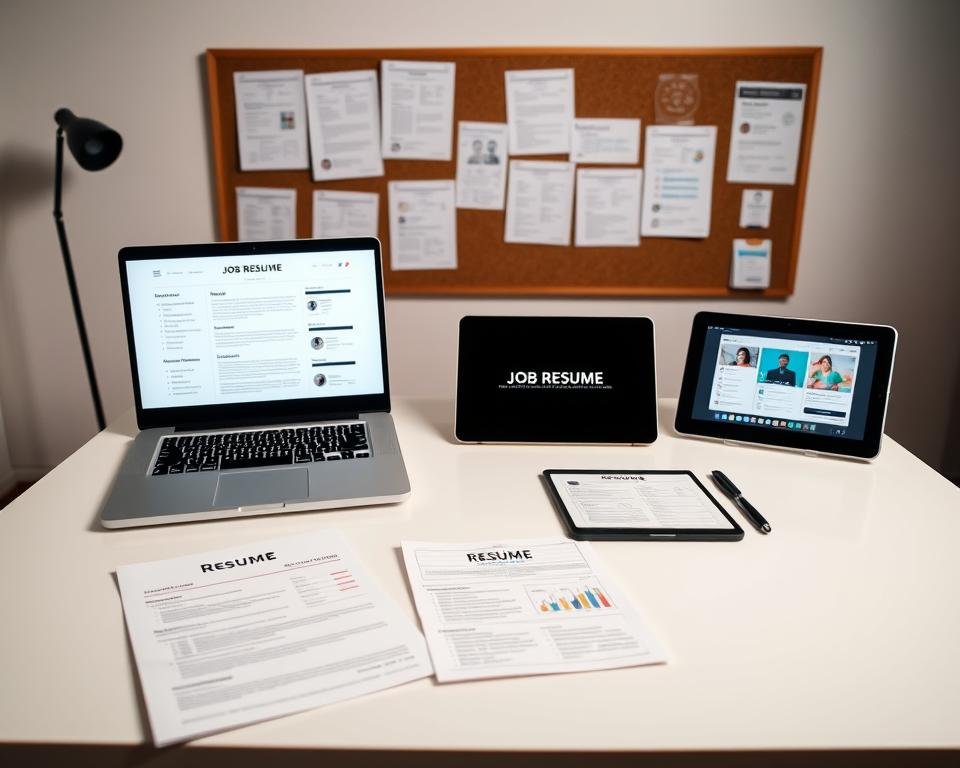
Knowing the different types of resumes and when to use them can help you choose the best one. This increases your chances of success in your job search.
Resume Formatting Tips for Readability
In the job search world, a clear resume is key. A well-structured resume shows your skills and experience. It also helps hiring managers see you as a top candidate.
Choosing the Right Font
Choosing the right font is important for your resume. Fonts like Arial, Calibri, and Helvetica are good because they are clean and professional. Stay away from fonts that are too fancy or hard to read.
- Arial: A classic sans-serif font that is widely accepted.
- Calibri: A modern sans-serif font that is clear and readable.
- Helvetica: A versatile sans-serif font that is highly legible.
Utilizing White Space
Using white space makes your resume easier to read. White space helps separate sections and keeps your resume clean. This lets the reader focus on your main qualifications.
Here are some tips for using white space:
- Use margins: Make sure your resume has enough space on all sides.
- Space out sections: Put a line between each big section of your resume.
- Avoid clutter: Don’t put too much information in your resume.
Bullet Points vs. Paragraphs
Choosing between bullet points and paragraphs affects how easy your resume is to read. Bullet points are great for listing achievements and jobs. They make it easy for the reader to scan your resume.
Paragraphs are good for summary statements or where you need a narrative style. But keep your paragraphs short to keep it easy to read.
Highlighting Your Achievements and Skills
To make your resume pop, focus on your achievements and skills. A great career summary and detailed employment history grab attention. They show what you can do.
It’s key to show your achievements with numbers. This makes your skills clear and strong.
Quantifying Accomplishments
Using numbers proves your skills and experience. Instead of “increased sales,” say “increased sales by 25%.”
- Use specific numbers and metrics to describe your achievements.
- Highlight any awards or recognition you’ve received.
- Include any significant projects you’ve led or been a part of.
Here’s an example of how to quantify accomplishments in a table format:
| Achievement | Metric | Impact |
|---|---|---|
| Increased Sales | 25% | Improved revenue |
| Reduced Costs | 15% | Enhanced profitability |
| Improved Efficiency | 30% | Streamlined processes |
Showcasing Soft Skills
It’s also important to show your soft skills. These are personal traits that help you work well with others.
Some key soft skills include:
- Communication
- Teamwork
- Problem-solving
- Adaptability

Including Certifications
Adding relevant certifications boosts your resume. They show you’re serious about your field.
When listing certifications, include:
- The name of the certification
- The issuing organization
- The date earned
By focusing on achievements, soft skills, and certifications, you’ll make a strong resume. It will catch the eye of employers.
Common Resume Mistakes to Avoid
To boost your job search success, avoid common resume errors. A well-made resume can catch the eye of employers. But, some mistakes can hurt your chances.
Typos and Grammatical Errors
Typos and grammar mistakes can harm your image. They show you might not pay attention to details. Proofread your resume many times and use tools like Grammarly. Ask a friend to check it too.
Overloading with Information
It’s key to show your skills and experience. But, don’t fill your resume with too much info. Stick to the most important points and use simple language.
Using Clichés
Phrases like “team player” or “results-oriented” are not helpful. Give specific examples of your skills and achievements. For example, say “led a team of 10 to boost productivity by 25%.”
Here’s a look at common resume mistakes and how to fix them:
| Mistake | Fix |
|---|---|
| Typos and grammatical errors | Proofread multiple times, use grammar tools |
| Overloading with information | Focus on relevant, impactful details |
| Using clichés | Use specific examples to demonstrate skills |
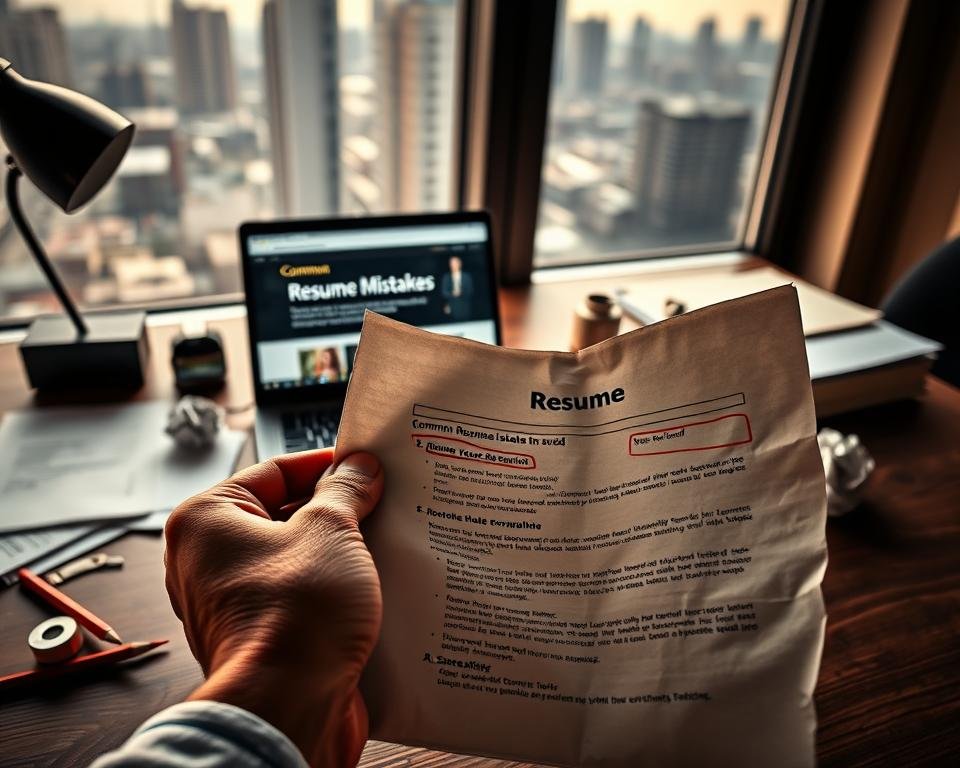
Avoid these mistakes to make a good impression on employers. This can help you get an interview.
The Power of Action Verbs in Your Resume
Action verbs are key to a great resume. They grab the reader’s attention. They make your CV more interesting and effective.
Examples of Strong Action Verbs
Choosing the right action verbs can boost your resume. Here are some strong ones to use:
- Managed a team of 10 people, achieving a 25% increase in productivity.
- Created a new marketing strategy that resulted in a 50% boost in sales.
- Developed and implemented a project that was completed 3 months ahead of schedule.
Other great verbs include Improved, Enhanced, Increased, and Reduced. They help you share your achievements well.
| Action Verb | Example Usage | Benefit |
|---|---|---|
| Managed | Managed a cross-functional team. | Demonstrates leadership skills. |
| Created | Created a new product line. | Highlights innovation and creativity. |
| Developed | Developed a complete training program. | Shows ability to design and implement programs. |
How Action Verbs Enhance Your Resume
Action verbs make your resume lively and engaging. They show action and success. This grabs the reader’s interest in your achievements.
Using strong action verbs in your CV can greatly improve it. It makes your CV stand out in a crowded job market.
Leveraging Technology in Resume Creation
Today, using technology is key for making great resumes. Digital tools have changed how we look for jobs. They make searching for work easier and more focused.
Utilizing Digital Platforms
Online tools have made creating resumes better. They help build and share resumes, making it easier to find jobs. I can use these tools to make my professional profile stand out to recruiters.
Online tools give us many templates, tips, and examples. They also show us what employers want. This helps me tailor my resume for a better job search.

Exploring Resume Templates
Resume templates have made creating resumes easier. They look good and show off your skills well. I can make a professional resume without needing design skills.
Many online platforms have templates you can customize. This lets me make my resume fit each job I apply for.
The Evolution of Resumes
The future of resumes will be shaped by new tech. AI and personalized job matching are becoming common. It’s important to keep up with new tools and strategies for a successful job search.
By using these new technologies, I can make my resume top-notch. It will be ready for the digital world, helping me succeed in finding a job.
Preparing for the Resume Submission Process
Getting ready to apply for a job means preparing well. This includes picking the right file format for your resume and writing a great cover letter. It’s important to make sure your application looks good and is professional.
Choosing the Right File Format
The file format of your resume is very important. You should pick one that most people can open and that keeps your resume looking good.
- PDF: A popular choice because it maintains the formatting and layout.
- DOCX: Also widely accepted, but may have compatibility issues with some systems.
- RTF: Another option, though less commonly used, it can be a safe choice.
When choosing a file format, think about what the job application says. If it doesn’t say, PDF is usually a good choice.
| File Format | Advantages | Disadvantages |
|---|---|---|
| Maintains formatting, widely accepted | Not editable | |
| DOCX | Editable, compatible with most word processors | May have compatibility issues |
| RTF | Compatible with most word processors | Less commonly used, may have formatting issues |
Writing a Compelling Cover Letter
A cover letter is your chance to tell your story. It should show off your skills and experiences. It should also show how excited you are for the job.
To write a great cover letter, do the following:
- Address the hiring manager by name, if possible.
- Clearly state the position you’re applying for.
- Highlight your relevant skills and experiences.
- Express your enthusiasm for the position and company.
- Include a call to action, such as requesting an interview.
By following these steps and choosing the right file format, you can make sure your application is complete and professional.
Following Up After Submitting Your Resume
After you send your resume, it’s key to follow up with the employer. This shows you’re really interested in the job. It can also help you stand out in a crowded job market.
Timing is Everything
Wait about a week or two before you send a follow-up. This gives the hiring manager time to look at your application. Always check the job posting for any special follow-up instructions.
Crafting Your Follow-Up Message
Start by saying hello and mentioning the job you’re applying for. Tell them why you’re reaching out and why you want the job. Keep it short and professional, and include your contact info.
Following up shows you’re serious about the job. It can make you more memorable to the hiring manager. This can help you get an interview and maybe even the job.
